Features
Pricing
Help
Sign up
Login
'
Documentation
v
Video Library
(
News
Manager:
Create a New Roster
Multiple
rosters
can be created within a
workforce
.
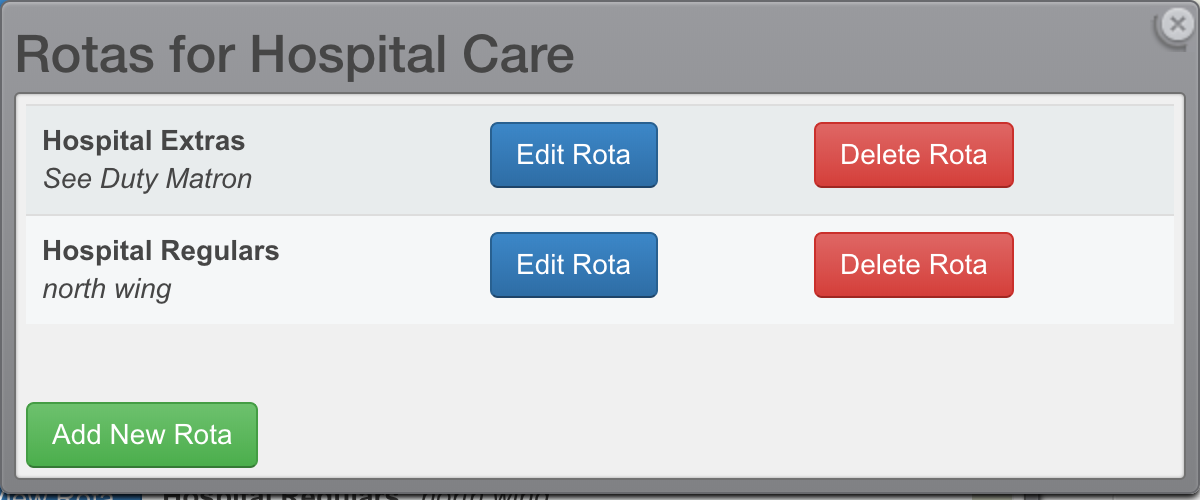
Multiple Rosters
Managers can find the
Roster Settings + New Rosters
button under the
Rosters
menu tab.
Each
roster
must have a
name
. A roster
description
is optional.
See Also
Related Documents
Workforces
Related Videos
Multiple Rosters
Navigate
Next →
Add New Employee Record
← Previous
Workforce Settings
Documentation
Manager:
Workforces
Create a new Workforce
Workforce Settings
Create a New Roster
Add New Employee Record
Manage Employee Records
Adding a New Shift
Shift Breaks
Assigning Employees to Shifts
Double Assignments - Block, Warn, Allow
Availability for Managers
Shift Interest and Shift Agreement Display
How to use Repeating Shifts
Shift Cloning
Calendar Navigation and Controls
Data Retention, Backups, Archives, and Google Drive
Frequently Asked Questions:
How do I create a 4-on/4-off shift pattern?
How to change the Workforce Owner?
How to upload the Workforce Logo
How to Limit How Far Ahead Employees See Their Shifts
How Employees Can See Each Other's Shifts
How can I quickly view unfilled shifts?
Software Feature Requests
How to plan a roster in private?
How to share the whole roster with all employees?
Delete your WorkRoster User Account
How to Change the Display Order of Multiple Rosters
Employee:
Employee Roster Usage
Miscellaneous:
Browser Support
 Multiple Rosters